Are you thinking about upgrading your gaming setup and wondering if a 4K monitor is really worth it? You might have heard that 4K offers sharper images and stunning detail, but is it the right choice for your gaming experience?
Before you spend your hard-earned money, it’s important to know what benefits you’ll get and what challenges you might face. You’ll discover how a 4K monitor can change the way you play, whether your current gear can keep up, and if it’s truly the upgrade you need.
Keep reading to find out if stepping into 4K gaming is the move that will level up your play or just an expensive distraction.
Benefits Of 4k Gaming
4K monitors have become popular in the gaming world. They offer a range of benefits that enhance the gaming experience. From crystal-clear visuals to future-proofing your setup, 4K gaming has much to offer.
Sharper Visuals And Details
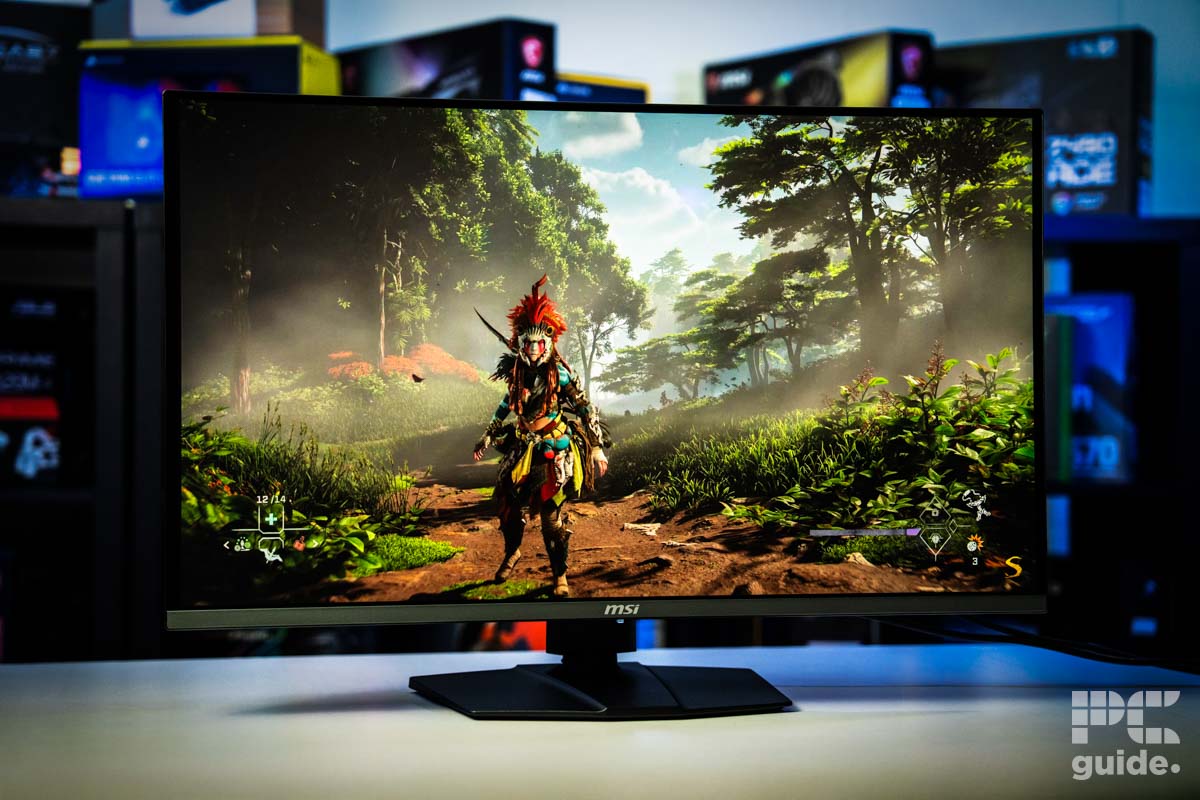
4K resolution provides stunning clarity. It delivers four times the detail of 1080p. This means finer textures and more realistic environments. Players can see every blade of grass and distant mountains. This level of detail enriches the visual experience, making games more lifelike.
Immersive Gaming Experience
With 4K, gaming becomes more immersive. High resolution draws players deeper into the game world. The expansive visuals wrap around the player, creating a sense of presence. Colors are vibrant, and shadows have depth, adding to the immersion. The gaming world feels expansive and alive.
Future-proofing Your Setup
Investing in a 4K monitor prepares your setup for the future. As technology advances, games will demand higher resolutions. A 4K monitor ensures you are ready for upcoming releases. It also provides longevity, reducing the need for frequent upgrades. This makes it a smart choice for long-term gaming.

Credit: www.pcguide.com
Performance Considerations
Upgrading to a 4K monitor for gaming isn’t just about sharper images. It also means your system needs to handle more data and work harder. Performance considerations play a huge role in whether the switch will enhance or hinder your gaming experience.
Hardware Requirements
Running games at 4K resolution demands powerful hardware. Your graphics card must push four times the pixels of a 1080p display, which can strain older GPUs. Many gamers find that only high-end cards like the NVIDIA RTX 4080 or AMD RX 7900 XT can deliver smooth gameplay at native 4K settings.
Besides the GPU, your CPU and RAM also matter. A strong processor prevents bottlenecks that can drag down frame rates, especially in CPU-heavy games. If your setup isn’t balanced, upgrading to 4K might expose weak spots in your rig.
Frame Rates And Refresh Rates
4K resolution often lowers frame rates because of the extra pixels your GPU must render. Achieving a steady 60 frames per second (fps) can be challenging without top-tier hardware. If you prefer competitive shooters or fast-paced games, a 4K monitor with a high refresh rate (120Hz or more) might not deliver the smoothness you want unless your system can keep up.
Some gamers opt to tweak settings down from ultra to high or medium to maintain playable frame rates. Are you willing to sacrifice visual fidelity for smoother motion? That’s a key question before investing in 4K for gaming.
Impact On Game Load Times
Higher resolution textures and assets used in 4K gaming can increase load times. Games that support 4K often come with larger files and demand more from your storage drive. Using a fast SSD can help reduce these delays, but slower HDDs might leave you waiting longer between sessions.
Have you noticed slower load times after switching to higher-resolution textures? Balancing visual quality with load speed is part of optimizing your 4K gaming experience. It’s worth testing your current setup before fully committing.
Comparing 4k With Other Resolutions
Choosing the right monitor resolution impacts gaming visuals and performance. Comparing 4K with other common resolutions helps understand what fits best. Each resolution offers unique benefits and challenges for gamers. Consider screen size, graphics power, and game type when deciding.
1080p Vs 4k
1080p, or Full HD, is widely used and affordable. It requires less computing power, allowing higher frame rates. Games run smoothly on most systems at 1080p.
4K has four times the pixels of 1080p. This means sharper images and more detail. The increased clarity improves immersion in games with rich visuals.
Running games at 4K demands powerful graphics cards. Frame rates may drop on weaker systems. 1080p offers better performance but less detail.
1440p Vs 4k
1440p, also called Quad HD, sits between 1080p and 4K. It balances image quality and performance well. Many gamers prefer 1440p for sharp visuals without high hardware needs.
4K provides more detail but needs stronger hardware than 1440p. The difference in clarity is noticeable on larger screens. On smaller monitors, 1440p often looks nearly as good.
Gamers with mid-range PCs find 1440p a practical choice. 4K suits those with high-end setups seeking top visuals.
Ultrawide And 4k
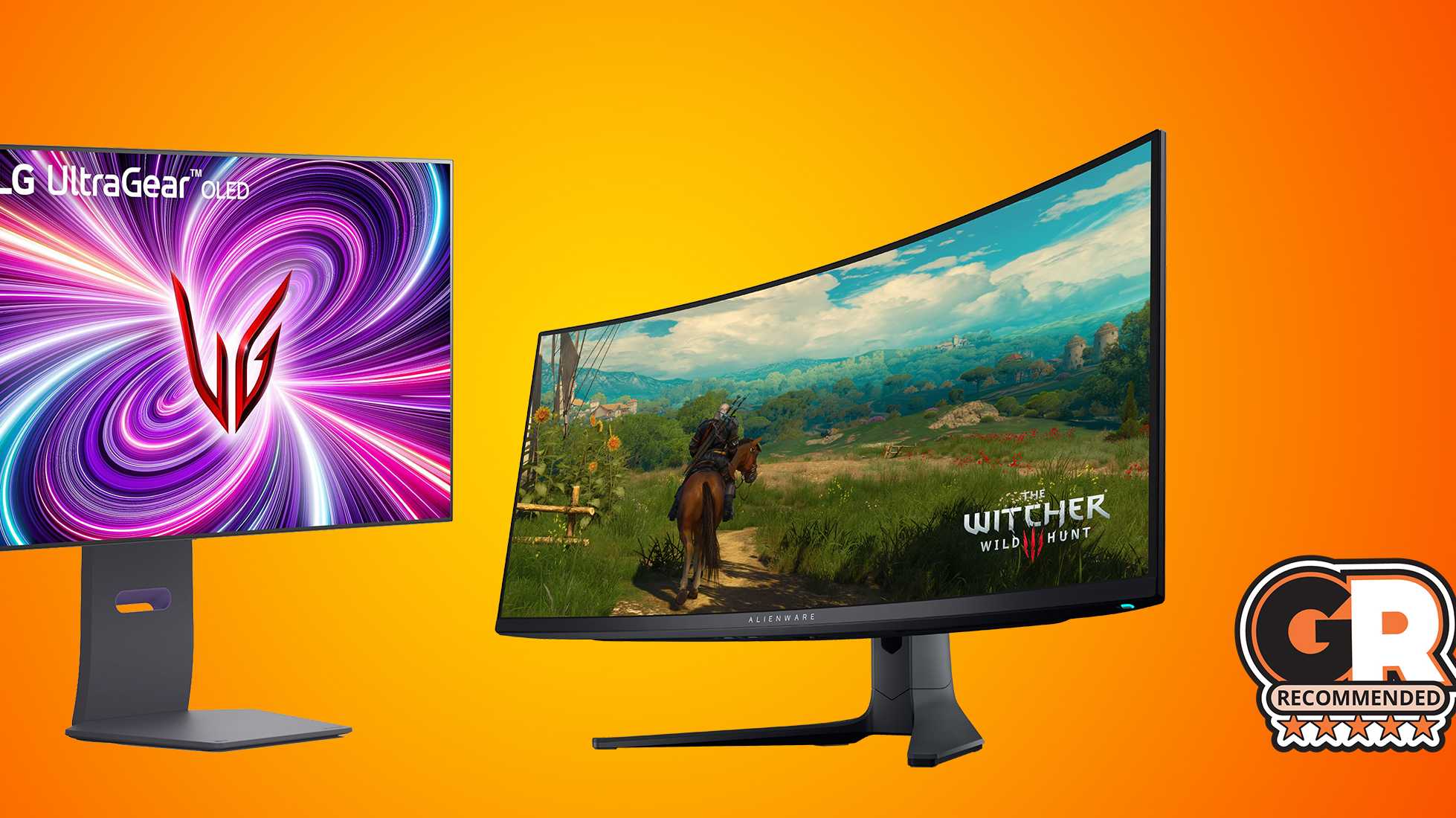
Ultrawide monitors have wider aspect ratios, such as 21:9. They offer more horizontal space than standard 16:9 screens. This extra space enhances peripheral vision in games.
4K ultrawide monitors combine high resolution and wide view. They deliver sharp images across a broader field. This setup suits immersive gaming and multitasking.
Ultrawide 4K requires very powerful graphics cards. Not all games support ultrawide resolutions well. Check game compatibility before choosing this option.
Credit: www.pcguide.com
Choosing The Right 4k Monitor
Choosing the right 4K monitor is key for a great gaming experience. Not all 4K monitors offer the same quality or features. Picking the right one depends on several important factors. These include the screen size, panel type, refresh rate, response time, and connectivity options. Understanding these helps find a monitor that suits your gaming style and setup.
Screen Size And Panel Type
Screen size affects how immersive the game feels. A 27 to 32-inch screen works well for most gamers. Larger screens provide more detail but may require more desk space. The panel type influences color, brightness, and viewing angles. IPS panels offer vivid colors and wide viewing angles. VA panels have better contrast but slower response times. TN panels respond fast but lack color accuracy. Choose a panel that matches your gaming needs.
Refresh Rate And Response Time
Refresh rate shows how many frames the monitor can show per second. Higher refresh rates like 120Hz or 144Hz make games look smoother. Response time is how fast a pixel changes color. Lower response times reduce motion blur and ghosting. Aim for a monitor with at least 60Hz refresh rate and 5ms or less response time. Competitive gamers benefit from even faster specs.
Connectivity And Features
Check what ports the monitor has. HDMI 2.0 or DisplayPort 1.4 support 4K at high refresh rates. USB ports add convenience for peripherals. Some monitors include built-in speakers, but external speakers usually sound better. Features like HDR improve color and contrast for a richer picture. Adjustable stands help set the perfect viewing angle. Consider these features based on your gaming setup.
Cost And Value Analysis
Understanding the cost and value of a 4K monitor is crucial before upgrading your gaming setup. The price can vary widely, and it’s important to weigh what you’re paying against the performance and longevity you expect. Let’s break down the financial side to help you decide if a 4K monitor fits your gaming needs and budget.
Price Range Of 4k Monitors
4K monitors come in a broad price range, typically starting around $300 and going up to $1500 or more. Budget models may offer basic 4K resolution but lack features like high refresh rates or HDR support. On the other hand, premium monitors provide smoother gameplay and better color accuracy but at a significantly higher cost.
Have you noticed how some 4K monitors with a 60Hz refresh rate cost less than those with 144Hz? This difference can impact your gaming experience, especially in fast-paced games. It’s worth checking if you need high refresh rates or if standard 60Hz fits your style.
Balancing Budget And Performance
You don’t always have to spend a fortune to enjoy 4K gaming. Some mid-range monitors strike a good balance by offering decent refresh rates and color quality without the premium price tag. This means you can get sharper visuals without breaking the bank.
Think about your current gaming setup and what you truly need. If your graphics card struggles with 4K at high settings, a less expensive 4K monitor won’t improve performance. Sometimes, investing in your GPU first can bring better value than upgrading your monitor alone.
Long-term Investment Benefits
A 4K monitor can be a smart long-term investment, especially as games and hardware continue to evolve. Higher resolution displays tend to stay relevant longer, allowing you to enjoy crisp visuals for years. This longevity can justify the initial cost if you plan to keep the monitor for a while.
Additionally, 4K monitors often offer improved build quality and extra features like better connectivity or ergonomic stands. These benefits can enhance your overall gaming experience beyond just the resolution. Is it worth paying more now to avoid upgrading again soon?
Common Challenges With 4k Gaming
Gaming in 4K offers stunning visuals, but it’s not without its hurdles. Many gamers face specific challenges that can affect the overall experience. Understanding these issues helps you decide if a 4K monitor fits your setup and gaming style.
Scaling And Ui Issues
4K resolution packs a lot of pixels into the screen, which can make text and interface elements appear tiny. This often leads to frustration, especially in games that don’t scale their UI properly. You might find menus, HUDs, or chat boxes hard to read without adjusting settings or using Windows scaling options.
Some games offer UI scaling options, but many do not, forcing you to squint or lean closer. Have you ever struggled to read your health bar or ammo count because the interface was too small? That’s a common issue that can impact gameplay and immersion.
Heat And Power Consumption
Running games in 4K resolution demands significantly more from your GPU and CPU. This extra workload results in higher power consumption and increased heat output. If your PC cooling system isn’t up to par, you might experience throttling or noise from fans ramping up.
Think about your current setup: is your power supply capable of handling the extra load? And does your case airflow keep your components cool during long gaming sessions? These practical considerations affect not just performance but the lifespan of your hardware.
Game Compatibility
Not every game supports 4K resolution perfectly. Some older or indie titles may not run at native 4K, leading to blurry images or stretched visuals. You might also encounter issues like UI elements not displaying correctly or performance drops.
Before investing in a 4K monitor, check the games you play most often. Are they optimized for 4K? Some developers prioritize high-res support, but others leave it as an afterthought. How would you handle playing a favorite game that doesn’t look good or run smoothly in 4K?
Tips For Optimizing 4k Gaming
Optimizing 4K gaming takes more than just plugging in a high-resolution monitor. To get smooth gameplay and stunning visuals, you’ll need to adjust settings, possibly upgrade hardware, and leverage helpful tools. These tweaks can transform your experience, making every frame count without sacrificing performance.
Graphics Settings Tweaks
Start by fine-tuning in-game graphics settings. Lowering demanding options like shadows, anti-aliasing, and ambient occlusion can boost frame rates significantly while keeping visuals sharp.
Try setting textures to high but reduce effects that strain your GPU. Many games let you customize settings per feature—use this to balance quality and performance based on what you notice during gameplay.
Have you noticed how some games feel choppy even on powerful rigs? Tweaking resolution scaling or enabling performance modes often smooths out those rough patches without a major drop in image quality.
Upgrading Pc Components
A 4K monitor demands a strong PC. If you experience lag or stuttering, upgrading your graphics card is usually the first step. Models with more VRAM handle 4K textures better and maintain steady frame rates.
Don’t overlook your CPU and RAM. A bottleneck in either can limit your GPU’s potential. Adding more RAM or switching to a faster processor can make a noticeable difference in heavy games.
Wondering if your current setup is enough? Tools like MSI Afterburner help monitor your hardware usage in real time, showing if any component is maxed out during play.
Using External Tools And Software
External software can enhance your 4K gaming experience in surprising ways. Programs like NVIDIA GeForce Experience offer optimization presets tailored to your hardware and game library.
Game mode features in Windows or third-party apps can prioritize your gaming process, reducing background activity and improving frame stability.
Have you tried frame rate limiters or adaptive sync technologies like G-Sync or FreeSync? These tools reduce screen tearing and input lag, making gameplay smoother and more responsive on your 4K display.
Credit: gamerant.com
Frequently Asked Questions
Is A 4k Monitor Better For Gaming Graphics Quality?
Yes, a 4K monitor offers four times the pixels of 1080p. This means sharper, more detailed images and immersive visuals, especially in games with rich environments.
Does A 4k Monitor Affect Gaming Performance?
A 4K monitor demands more from your GPU. Higher resolution can lower frame rates if your hardware isn’t powerful enough. Balancing settings is key for smooth gameplay.
Are 4k Monitors Compatible With All Gaming Consoles?
Most modern consoles support 4K output, but performance varies. Xbox Series X and PS5 fully utilize 4K, while older models may not support native 4K resolution.
Is A 4k Monitor Worth It For Competitive Gaming?
For competitive gamers, higher refresh rates and lower latency often matter more than resolution. 4K monitors can limit frame rates, which might impact fast-paced gameplay.
Conclusion
Choosing a 4K monitor for gaming depends on your needs and budget. You get sharper images and more detail with 4K. But it also demands a strong computer to run smoothly. Some games may not look much better on 4K.
If smooth gameplay matters most, a lower resolution might work well. Think about what you want from your gaming experience. Balance quality, performance, and price before deciding. A 4K monitor can be great, but it is not always necessary.


