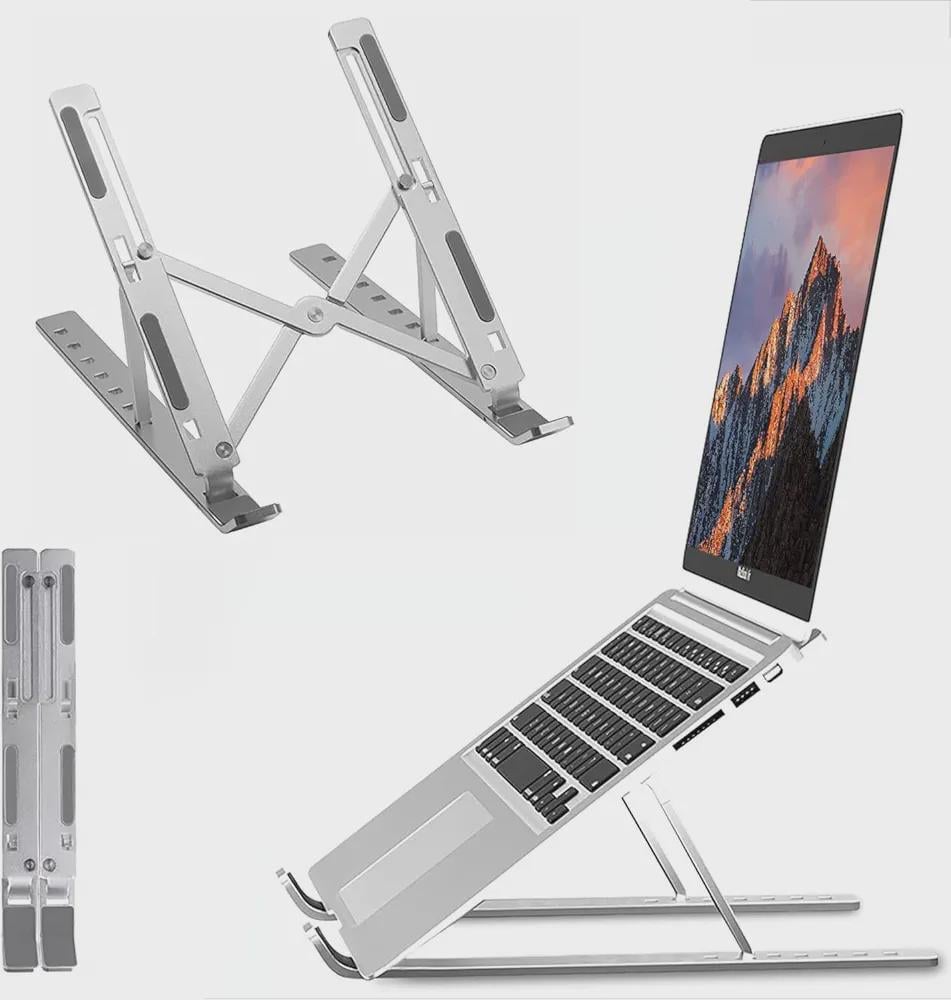
Are you tired of your laptop taking up too much space on your desk? Wondering if there’s a simple way to keep your workspace neat while protecting your device?
A vertical laptop stand might be exactly what you need. It not only saves space but also helps keep your laptop cool and organized. You’ll discover the surprising benefits of using a vertical laptop stand and how it can make your daily work or study routine easier and more comfortable.
Keep reading to find out why this small change can have a big impact on your productivity and workspace.
Space Saving Benefits
Using a vertical laptop stand can transform how you use your workspace. Its design focuses on saving space efficiently, making your desk feel more open and organized. This can directly improve your work focus and comfort.
Reducing Desk Clutter
Placing your laptop vertically frees up a lot of desk space that usually gets taken by a flat laptop. This extra room lets you add essential items like a notebook, mouse, or coffee cup without feeling cramped.
Think about your current setup—how often do you find yourself pushing things aside just to create space? A vertical stand can eliminate that hassle by keeping your laptop upright and out of the way.
Ideal For Small Workspaces
If your workspace is limited, a vertical laptop stand is a game-changer. It fits easily into tight corners or narrow desks, making it perfect for apartments, small offices, or shared rooms.
Imagine turning a cluttered corner into a neat, functional spot. Could your small desk benefit from this simple adjustment? Many users notice an immediate improvement in how spacious their work area feels after switching to a vertical stand.
Improved Cooling
Improved cooling is a key advantage of using a vertical laptop stand. It helps keep your laptop cooler during use. Cooler laptops run better and last longer. This section explains how vertical stands improve cooling and prevent overheating.
Enhanced Airflow
Vertical stands lift the laptop off flat surfaces. This allows air to flow freely around the device. More airflow means heat escapes faster. The laptop’s fans work less hard to cool down. This reduces dust buildup inside vents.
Preventing Overheating
Overheating slows down laptop performance. It can also damage internal parts. Vertical stands help stop heat from building up. They keep the laptop’s temperature stable. This protects the battery and processor. Your laptop stays safe and works smoothly longer.
Ergonomic Advantages
Using a vertical laptop stand offers clear ergonomic benefits. It helps position your laptop in a way that supports healthy posture. This reduces discomfort during long hours of work. Your body stays aligned, which prevents common aches and pains. The stand makes your workspace more comfortable and efficient.
Better Viewing Angles
The vertical stand lifts your laptop screen to eye level. This reduces the need to bend your neck down. You see the screen clearly without tilting your head. Proper screen height improves focus and productivity. It also encourages a straight spine and relaxed shoulders.
Reducing Neck And Eye Strain
Keeping your laptop upright helps reduce neck strain. It prevents you from leaning forward or hunching over. Your eyes stay at a comfortable distance from the screen. This lowers the chances of eye fatigue and dryness. Regular use can minimize headaches caused by poor posture.
Credit: www.macworld.com
Design And Material Options
Choosing the right vertical laptop stand involves more than just picking a product that fits your desk space. The design and material options play a crucial role in durability, aesthetics, and functionality. Understanding these options helps you find a stand that not only supports your laptop but also complements your workspace.
Metal Vs Plastic Stands
Metal stands often feel sturdier and provide excellent stability. They resist wear and tear better, which means they last longer in busy work environments. If you value a sleek, modern look, metal stands usually offer that minimalist style that pairs well with most laptops.
Plastic stands, on the other hand, are lightweight and generally more affordable. They can come in a variety of colors and shapes, adding a fun or personalized touch to your desk. However, plastic may not hold up as well under heavy use and can sometimes feel less secure.
Think about how often you move your laptop or rearrange your desk. Would a heavier metal stand be a hassle, or do you need something portable like plastic?
Adjustable Features
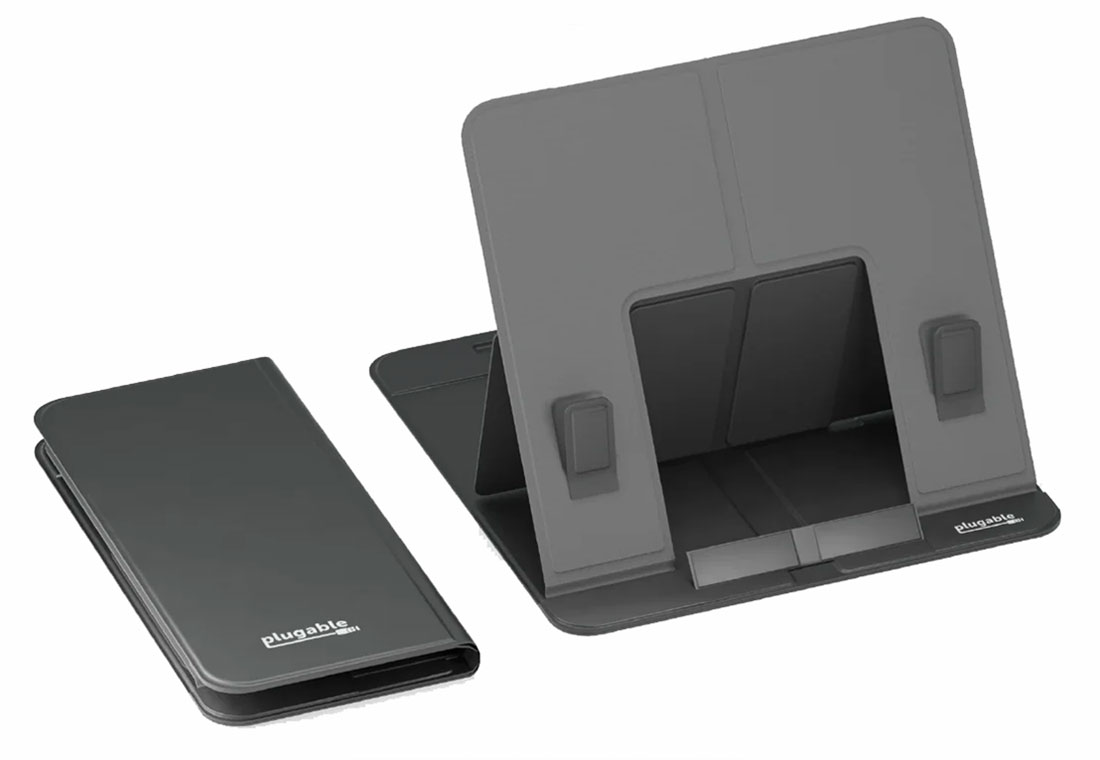
Adjustability is key if you want a stand that fits your workflow perfectly. Some stands allow you to change the width to accommodate different laptop sizes. Others let you adjust the height or angle, which can improve cooling and reduce neck strain.
Imagine how much easier it is to work when your laptop screen is at eye level. Adjustable features help you create a setup that suits your body and workspace, not the other way around. Look for stands with simple, tool-free adjustments for quick and easy customization.
Ask yourself: Do you share your laptop stand with others or use multiple devices? Adjustable stands offer flexibility that can adapt to various needs over time.
Compatibility And Setup
Choosing the right vertical laptop stand means understanding how it fits your device and how simple it is to set up. Compatibility and setup can make a big difference in your daily use and workspace organization.
Suitable Laptop Sizes
Vertical laptop stands are designed to hold various laptop sizes, but not every stand fits every laptop. Most stands support laptops between 11 and 17 inches, accommodating popular models from brands like Dell, HP, Apple, and Lenovo.
Think about the thickness of your laptop as well. Some stands work best with slim ultrabooks, while others can handle bulkier gaming laptops. Checking the product specs before buying ensures your laptop fits securely without wobbling.
Easy Installation Tips
Setting up a vertical laptop stand is usually straightforward, but a few tips can save you time and hassle. Start by clearing your workspace and having any included tools ready.
Slide your laptop into the stand gently, making sure it sits snugly. If your stand has adjustable parts, take a moment to fine-tune the fit to prevent scratches or damage.
- Use non-slip pads or rubber grips if they are included to keep your laptop stable.
- Place the stand on a flat surface to avoid tipping over.
- Keep cables organized to prevent clutter around your setup.
Have you noticed how a quick, well-planned setup changes your workflow? A stable, compatible stand frees up desk space and keeps your laptop ready for action.

Credit: riteacademy.com
Additional Functionalities
Vertical laptop stands don’t just save space; they bring extra perks that enhance your workspace’s functionality. These additional features can make your daily laptop use smoother and more organized. Let’s look at how cable management and port accessibility can improve your setup.
Cable Management
One common frustration is tangled cables cluttering your desk. A vertical laptop stand often includes smart cable management options to keep wires neat and out of sight.
Some stands have built-in clips or channels where you can route your charging cable and peripherals. This prevents cables from slipping off the desk or getting damaged.
Imagine not having to untangle your charger every time you sit down to work. Doesn’t that save time and reduce stress?
Port Accessibility
Another practical benefit is easier access to your laptop’s ports. When your laptop lies flat, some ports can be hard to reach or get blocked by other devices.
Vertical stands position your laptop’s sides in a way that keeps USB, HDMI, and headphone ports open and accessible. This lets you quickly plug in devices without fumbling around.
Think about how many times you’ve struggled to connect a flash drive or headphones. A vertical stand can turn that hassle into a smooth, quick action.
Cost And Value
A vertical laptop stand saves desk space and protects your device from damage. It offers good value by improving organization and cooling. This simple tool can extend your laptop’s lifespan and keep your workspace tidy.
Investing in a vertical laptop stand might seem like a small decision, but understanding its cost and value can make it easier to see why it’s a smart choice for your workspace. The right stand not only organizes your desk but also contributes to the longevity of your laptop. Let’s dive into the financial aspects and benefits that make vertical laptop stands a worthwhile investment.Price Range
Vertical laptop stands come in a variety of price points. You can find budget-friendly options under $20 that offer basic functionality. However, if you seek durability and aesthetics, premium stands can range from $40 to $100, often featuring high-quality materials like aluminum or wood.Long-term Benefits
Think about the long-term benefits of a vertical laptop stand. By elevating your laptop, it reduces overheating, which can prolong the life of your device. Additionally, a clutter-free desk may boost your productivity, making the stand a valuable asset for your work life. While the initial cost might seem trivial, the savings from potential repairs and enhanced productivity quickly add up. Have you considered how much a more organized workspace can impact your daily efficiency? Investing in a vertical laptop stand might just be the easiest upgrade for a more effective work environment.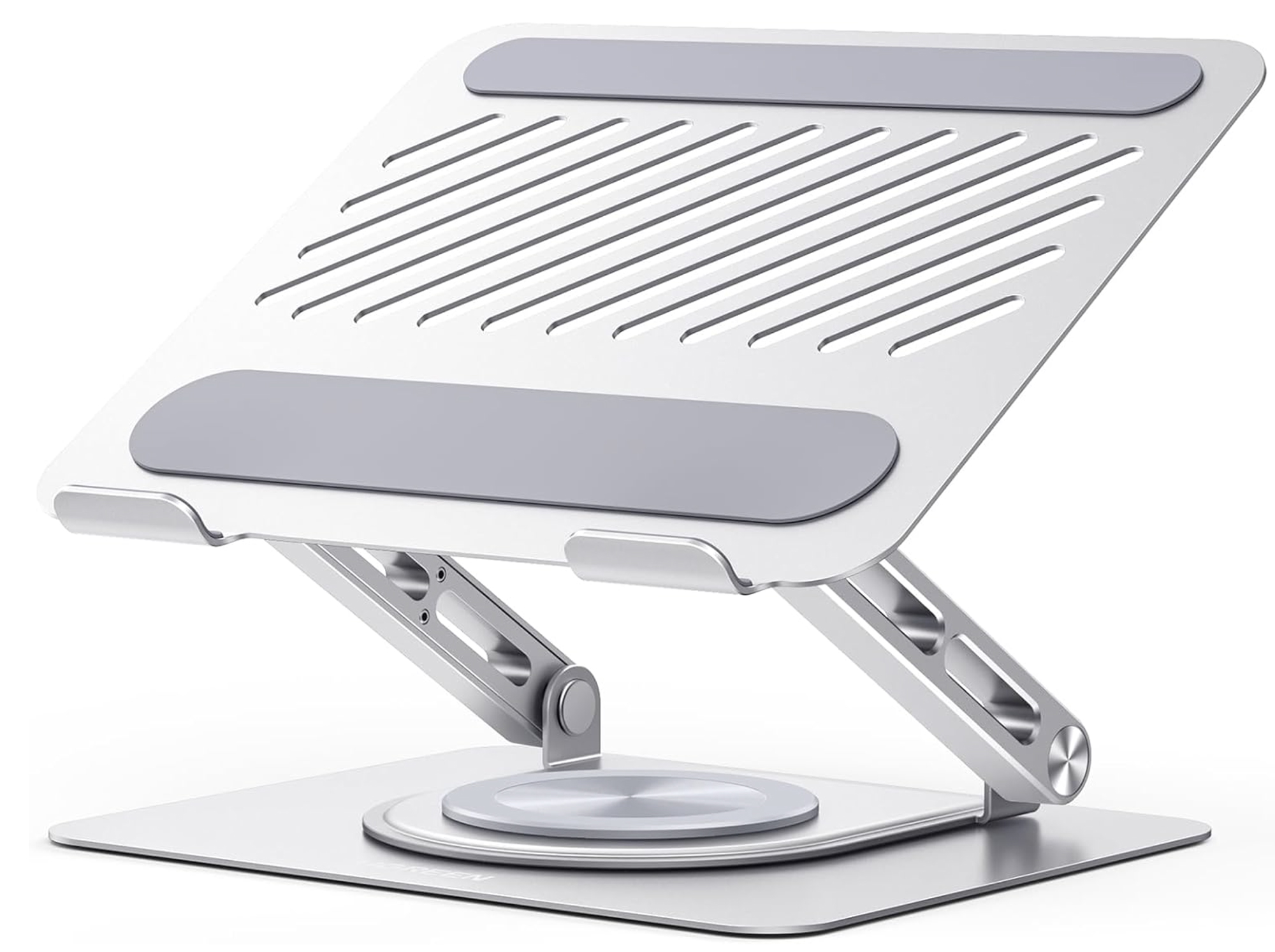
Credit: www.macworld.com
User Experiences
Users often share their real-life experiences with vertical laptop stands. These insights help others understand practical benefits beyond product descriptions. Many users highlight better desk organization and improved airflow as key advantages. Comfort during long work sessions also receives frequent mention.
People appreciate the space-saving design. It makes small work areas feel less cluttered. Some users note easier access to their laptop ports. Many find the stand stable and sturdy, even with heavier laptops.
Popular Models
- Rain Design mStand Laptop Vertical Holder
- Twelve South BookArc
- OMOTON Vertical Laptop Stand
- VIVO Vertical Laptop Stand
- WALI Vertical Laptop Stand
These models are well-liked for their build quality and design. They fit a range of laptop sizes and styles. Many users choose them for home offices and shared workspaces.
Customer Reviews
| Feature | Positive Feedback | Common Concerns |
|---|---|---|
| Stability | Very stable, holds laptop firmly | Some wobble with larger laptops |
| Design | Sleek, fits well on desks | Limited color options |
| Port Access | Easy to plug in cables | Occasional tight fit on some models |
| Material Quality | Durable aluminum or steel | Plastic versions less sturdy |
Reviews often praise the stands for making desks tidier. Some mention improved laptop cooling due to better airflow. A few users suggest checking size compatibility before buying. Overall, customer feedback supports the value of vertical laptop stands for daily use.
Frequently Asked Questions
What Are The Main Benefits Of A Vertical Laptop Stand?
A vertical laptop stand saves desk space by holding laptops upright. It improves airflow, reducing overheating. It also keeps your workspace organized and protects laptops from scratches and damage.
How Does A Vertical Laptop Stand Improve Laptop Cooling?
By positioning the laptop vertically, it exposes more surface area to air. This enhances ventilation and helps prevent overheating. Better cooling can extend your laptop’s lifespan and maintain optimal performance.
Can A Vertical Laptop Stand Increase Desk Organization?
Yes, it frees up desk space by storing laptops upright. This reduces clutter and creates a cleaner workspace. A tidy desk boosts productivity and provides more room for other essential items.
Is A Vertical Laptop Stand Compatible With All Laptop Sizes?
Most vertical laptop stands are adjustable to fit various laptop sizes. However, checking the product specifications ensures compatibility. Adjustable stands accommodate different thicknesses and widths for a secure fit.
Conclusion
A vertical laptop stand saves desk space and keeps your area tidy. It helps cool your laptop by improving airflow. This stand also reduces strain on your neck and wrists. It makes your workspace look neat and organized. Using one is simple and fits most laptops.
Overall, a vertical laptop stand supports better work comfort and laptop care. Consider adding one for a cleaner, healthier workspace.


